
Payroll is one of the most time-consuming and expensive tasks for small businesses—calculating wages, handling taxes, and staying compliant quickly adds up. Cheap payroll software reduces costs by automating these processes without sacrificing accuracy. Instead of outsourcing or managing payroll manually, you can streamline everything in minutes. In this guide, we compare the best cheap payroll software options in 2026 and highlight tools based on pricing, features, and business needs.
Table of Contents
1. Quick Comparison of Cheap Payroll Software
| Software Name | Starting Price | Free Plan | Best For | Key Feature |
|---|---|---|---|---|
| Gusto | $40/mo + $6/user | No | Growing SMBs | Automated tax filing |
| Patriot Payroll | $17/month | No | Budget businesses | Low-cost full service |
| OnPay | $49/mo + $6/user | No | Simple payroll | Flat pricing |
| Wave Payroll | $40/month | No | Small teams | Accounting integration |
| Square Payroll | $35/mo + $6/user | No | Retail teams | Time tracking sync |
| Zoho Payroll | $39/month | No | Zoho users | App integrations |
| Deel | $49/month | No | Global teams | International payroll |
| Remote | ~$29/month | No | Remote companies | Compliance automation |
| Payroll4Free | $0 (Free) | Yes | Very small teams | Free payroll |
| QuickBooks Payroll | $45/mo + $5/user | No | Accounting users | Bookkeeping sync |
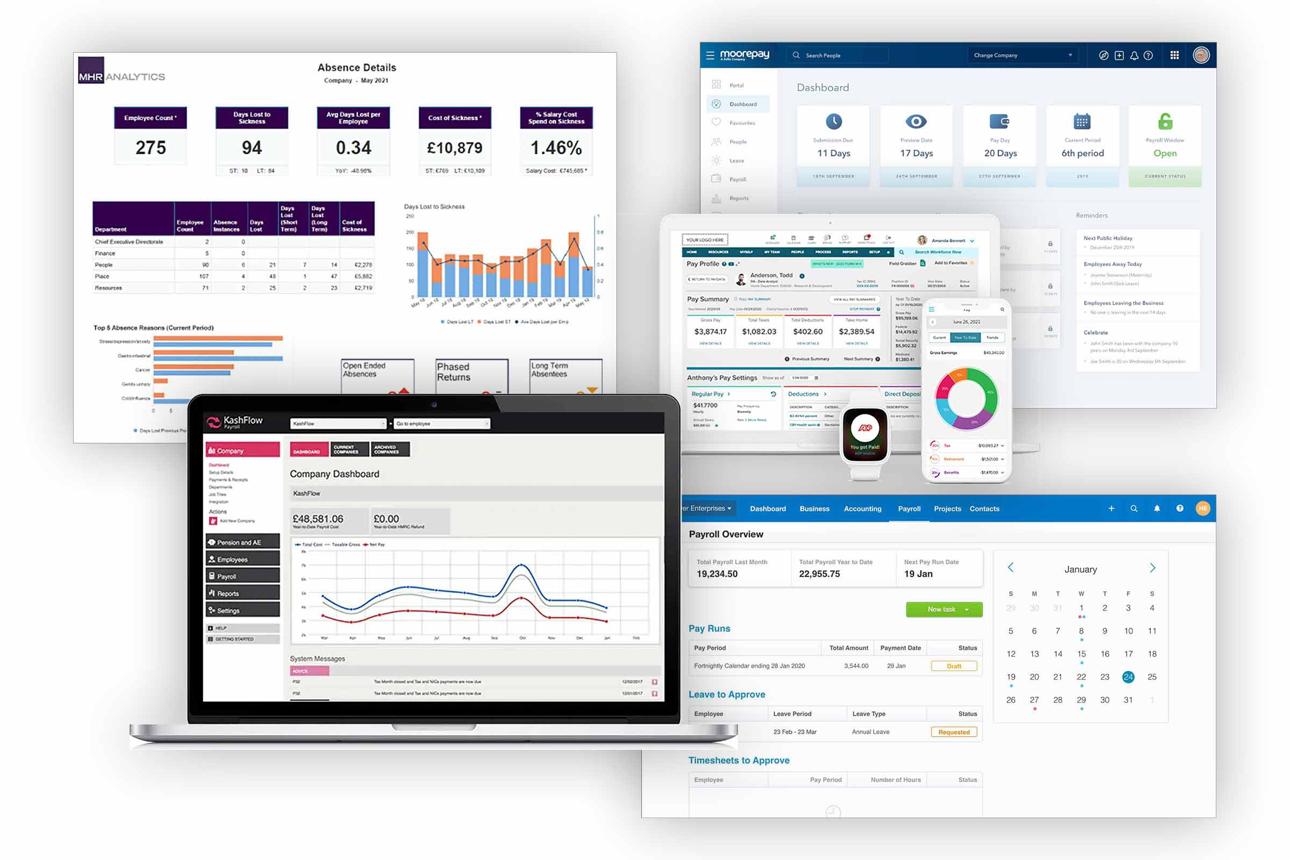
Comparison of cheap payroll software plans, employee caps, and tax automation features.
2. 10 Cheap Payroll Software for Small Businesses
1. Gusto
Best for Growing SMBsGusto provides a modern payroll and HR management experience for growing companies. It automates calculations, tax submissions, and direct deposits seamlessly.
✓ Pros & Features
- ✓ Automatic tax calculations and filings
- ✓ Integrated HR and benefits administration
- ✓ Employee self-service portal & time tracking
- ✓ Strong legal compliance support
✕ Cons
- ✕ No free plan option
- ✕ Higher base cost than barebones tools
2. Patriot Payroll
Best for Budget-Conscious BusinessesPatriot Payroll offers one of the lowest entry points for small business payroll. You can choose basic self-service or full-service payroll with automated tax filing.
✓ Pros & Features
- ✓ Very low starting monthly cost
- ✓ Free direct deposit & simple setup
- ✓ US-based customer support team
- ✓ Flexible service levels
✕ Cons
- ✕ Limited advanced HR tools
- ✕ Interface feels somewhat dated
3. OnPay
Best for Simple PayrollOnPay keeps pricing completely flat and transparent—giving you full access to all features, tax filings, and HR tools without hidden upsells.
✓ Pros & Features
- ✓ Unlimited monthly payroll runs
- ✓ No feature-based pricing tiers or upsells
- ✓ Included benefits management & HR tools
- ✓ Easy employee onboarding
✕ Cons
- ✕ Base price slightly higher for single-person teams
- ✕ Limited interface customization
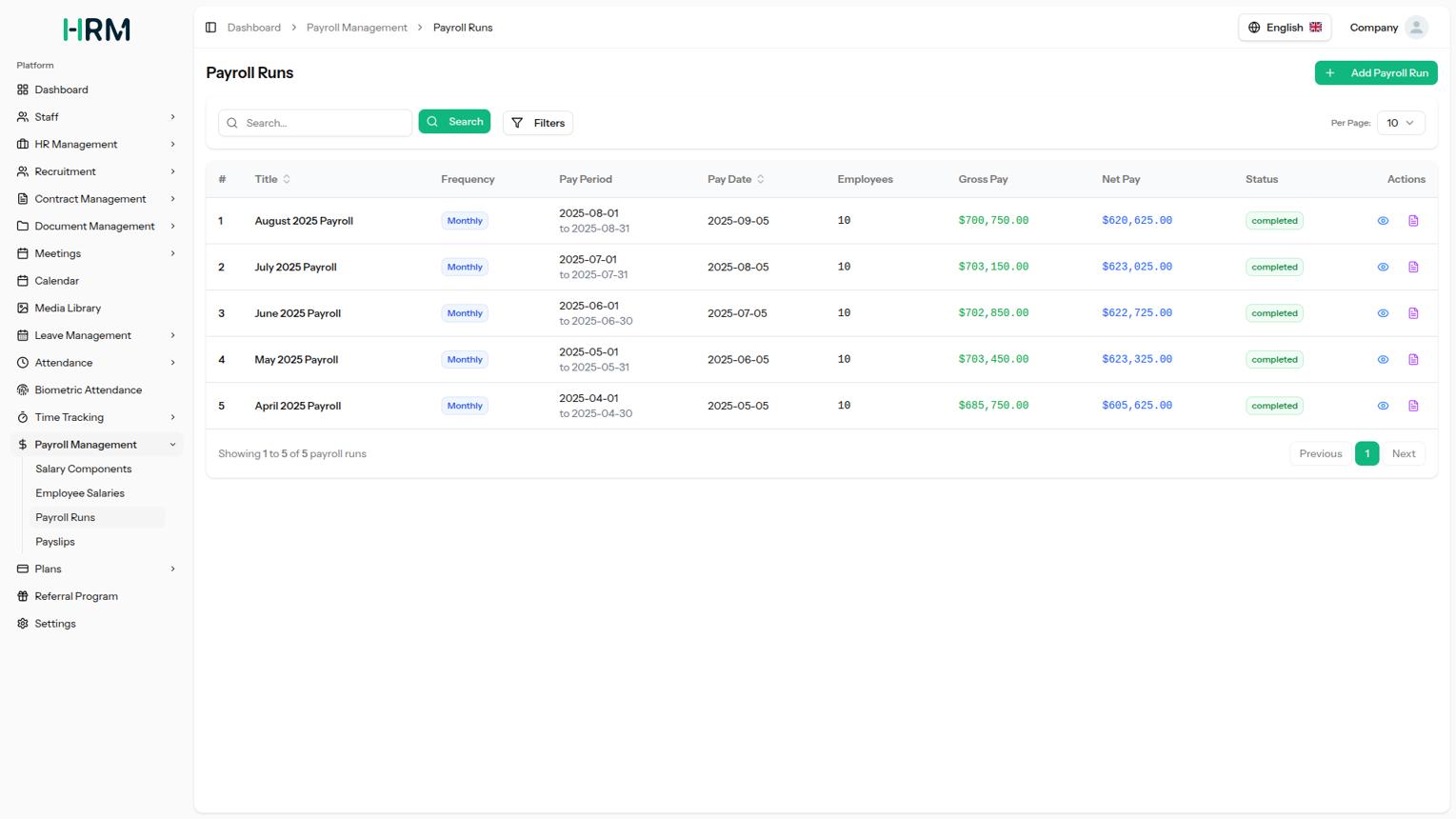
Payroll software interface displaying employee records and automated payslip generation.
4. Wave Payroll
Best for Small Teams & FreelancersWave Payroll connects directly into Wave's accounting system, making bookkeeping and wage payouts simple for small businesses and freelancers. For teams managing financial tools, also check out our guide to offline accounting software options.
✓ Pros & Features
- ✓ Seamless integration with Wave accounting
- ✓ Direct deposit and pay-as-you-go structure
- ✓ Simple, clean bookkeeping workflow
✕ Cons
- ✕ Limited automated tax filings in select regions
- ✕ Regional availability restrictions
5. Square Payroll
Best for Retail & Hourly StaffSquare Payroll syncs seamlessly with Square POS, allowing retail stores, restaurants, and hourly shift teams to process payroll straight from timesheets.
✓ Pros & Features
- ✓ Built-in time tracking and POS integration
- ✓ Handles W-2 employees and 1099 contractors
- ✓ Automatic tax filings & flexible payments
✕ Cons
- ✕ Works best within the Square ecosystem
- ✕ Basic HR reporting tools
6. Zoho Payroll
Best for Zoho Ecosystem UsersZoho Payroll provides automated salary calculations, tax compliance, and employee portals that link directly with Zoho Books and Zoho People.
7. Deel
Best for International TeamsDeel streamlines global payroll, multi-currency payouts, and international labor law compliance for remote teams operating across multiple countries.
8. Remote
Best for Remote-First CompaniesRemote handles global payroll, IP protection, contractor management, and local tax compliance for distributed international workers.
9. Payroll4Free
Best Zero-Cost PickPayroll4Free provides completely free payroll processing for small teams up to 25 users. It handles wage calculations, basic reporting, and direct deposit.
10. QuickBooks Payroll
Best for Accounting IntegrationQuickBooks Payroll syncs automatically with QuickBooks Online bookkeeping, enabling same-day direct deposit and automated tax filing.

Small business owner evaluating payroll software checklist and tax automation options.
3. How to Choose Cheap Payroll Software
Pricing models and hidden costs
Check the full cost, not just the base fee. Many tools charge per employee or for add-ons like tax filing and direct deposit.
Compliance and tax handling
Choose software that automates tax calculations and filings to avoid penalties and reduce manual work.
Ease of use
Look for simple workflows and dashboards that make payroll quick to process without extra steps.
Integration with other tools
Ensure it connects with accounting or time tracking tools to avoid duplicate data entry. For more software recommendations, explore our software guides and comparisons.
Scalability
Select software that can grow with your business to avoid switching systems later.
4. Free vs Cheap Payroll Software
Free payroll software works for very small businesses with simple needs. It typically covers basic calculations but often lacks full tax filing and support.
Cheap payroll software adds automation, compliance, and integrations at a low monthly cost. This reduces errors and saves time.
If your business has employees, frequent payroll runs, or compliance needs, upgrading to a paid tool is usually worth it.
5. Key Features to Look for in Cheap Payroll Software
Automation
Reduces manual work and ensures consistent payroll processing.
Tax filing support
Prevents costly errors by handling tax calculations and submissions.
Employee self-service
Allows employees to access payslips and update details without admin involvement.
Reporting
Provides insights into payroll expenses and supports financial planning.
Integrations
Connects payroll with accounting and HR tools to streamline workflows.
Frequently asked questions regarding small business payroll software pricing and tax compliance.
6. Frequently Asked Questions (FAQ)
What is the cheapest payroll software?
Payroll4Free is the cheapest option since it's completely free for up to 25 users. Among paid tools, Patriot Payroll offers one of the lowest starting prices at $17/month.
Is cheap payroll software reliable?
Yes, many affordable payroll tools are reliable if they include tax automation and compliance features. Established providers handle payroll accurately while keeping costs low.
How much does payroll software cost?
Most payroll software costs between $15 and $50 per month, plus a $4 to $6 per-employee fee. Costs increase with added features like tax filing and integrations.
Can small businesses run payroll manually?
Yes, but manual payroll is time-consuming and prone to errors. Using payroll software reduces compliance risk and saves valuable time.
7. Conclusion
Cheap payroll software helps small businesses reduce costs while maintaining accuracy and compliance. From free tools like Payroll4Free to scalable options like Gusto and OnPay, there's a solution for every budget. Learn more in our cheap payroll software guide and compare two or three tools before making a decision. The right software will save time and prevent costly payroll mistakes.