
While there are hundreds of Mac software applications for creators, only a handful provide the audio editing features most users actually need. If you want a quick recommendation, start with GarageBand if you're a beginner, choose REAPER if you want professional features without a high price tag, and go with Logic Pro if you're serious about music production.
Top 3 Audio Editors for Mac
Quick comparison of the best free, budget, and professional Mac audio software in 2026.
GarageBand
Beginners • Podcasters • Mac Pre-installed- 100% Free Pre-installed App
- Simple Multi-track Layout
- Huge Sound & Loop Library
Cockos REAPER v7
Creators • Freelancers • One-Time License- Ultra-Lightweight & Fast
- Professional-Grade Editing
- No Monthly Subscriptions
Logic Pro
Producers • Songwriters • Perpetual License- Full Studio Production Suite
- Advanced Mixing & Mastering
- Optimized for Apple Silicon
Table of Contents
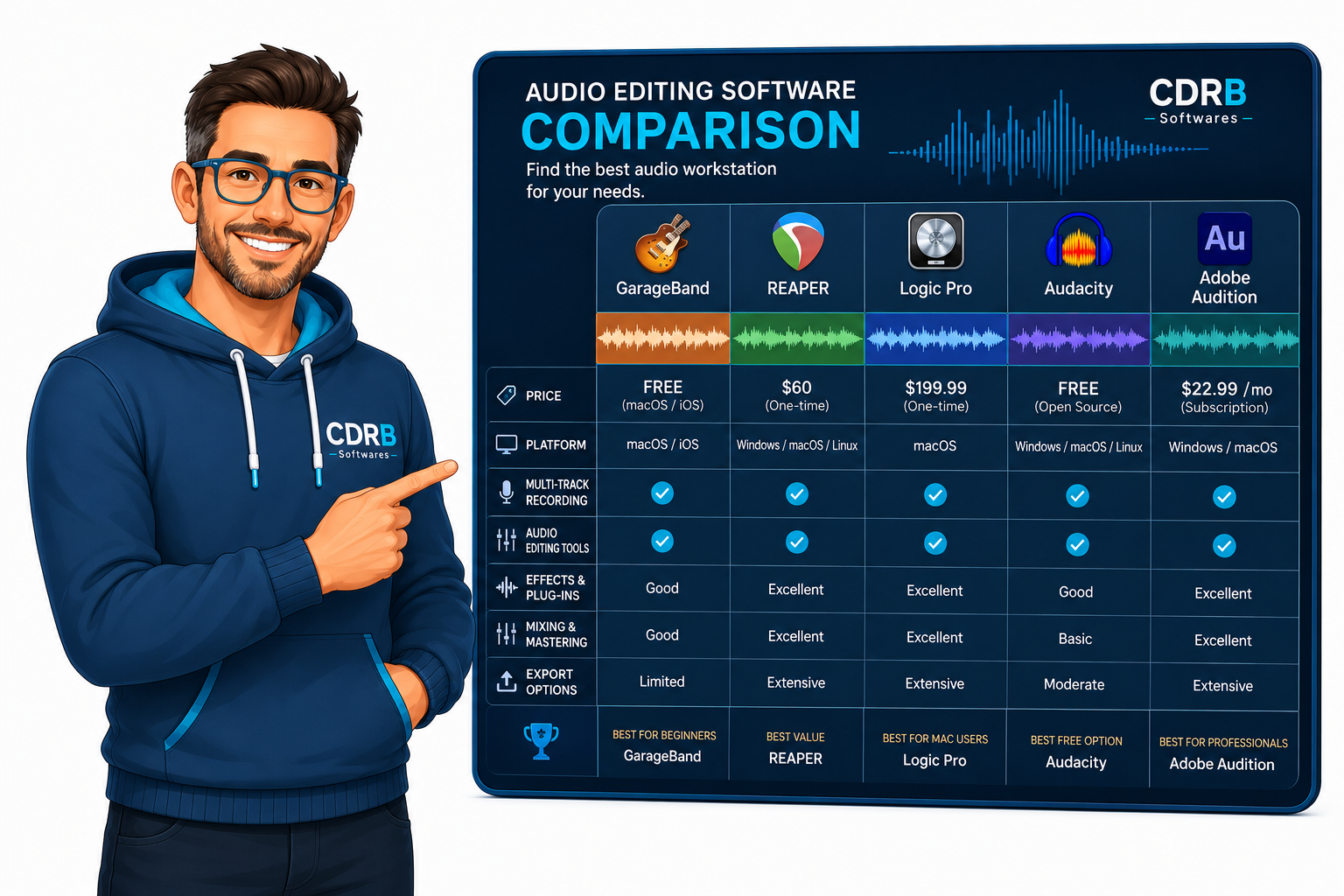
1. Quick Comparison Table
| Software Name | Best For | Price Model | Verdict |
|---|---|---|---|
| GarageBand | Beginners & Podcasters | Free | Best free option for Mac |
| Cockos REAPER v7 | Advanced users on a budget | Low-cost one-time license | Best value for performance |
| Logic Pro | Music production & mixing | One-time purchase | Best for music creators |
| Audacity | Simple voice editing | Free | Best open-source choice |
| Ocenaudio | Quick single-track edits | Free | Easiest to use |
| Adobe Audition | Professional audio teams | Monthly subscription | Best for post-production |
| WavePad | Casual users | Free / Paid version | Good starter option |
2. Best Audio Editing Software for Mac - Full Reviews
1. GarageBand
GarageBand is the easiest way to start editing audio on a Mac. Built directly into macOS, it offers a complete digital audio workstation experience without costing a penny.
✓ Pros
- ✓ Completely free pre-installed app
- ✓ Clean, intuitive interface
- ✓ Multi-track recording support
- ✓ Massive built-in sound library
✕ Cons
- ✕ Limited advanced editing tools
- ✕ Not ideal for high-end post-production
2. REAPER
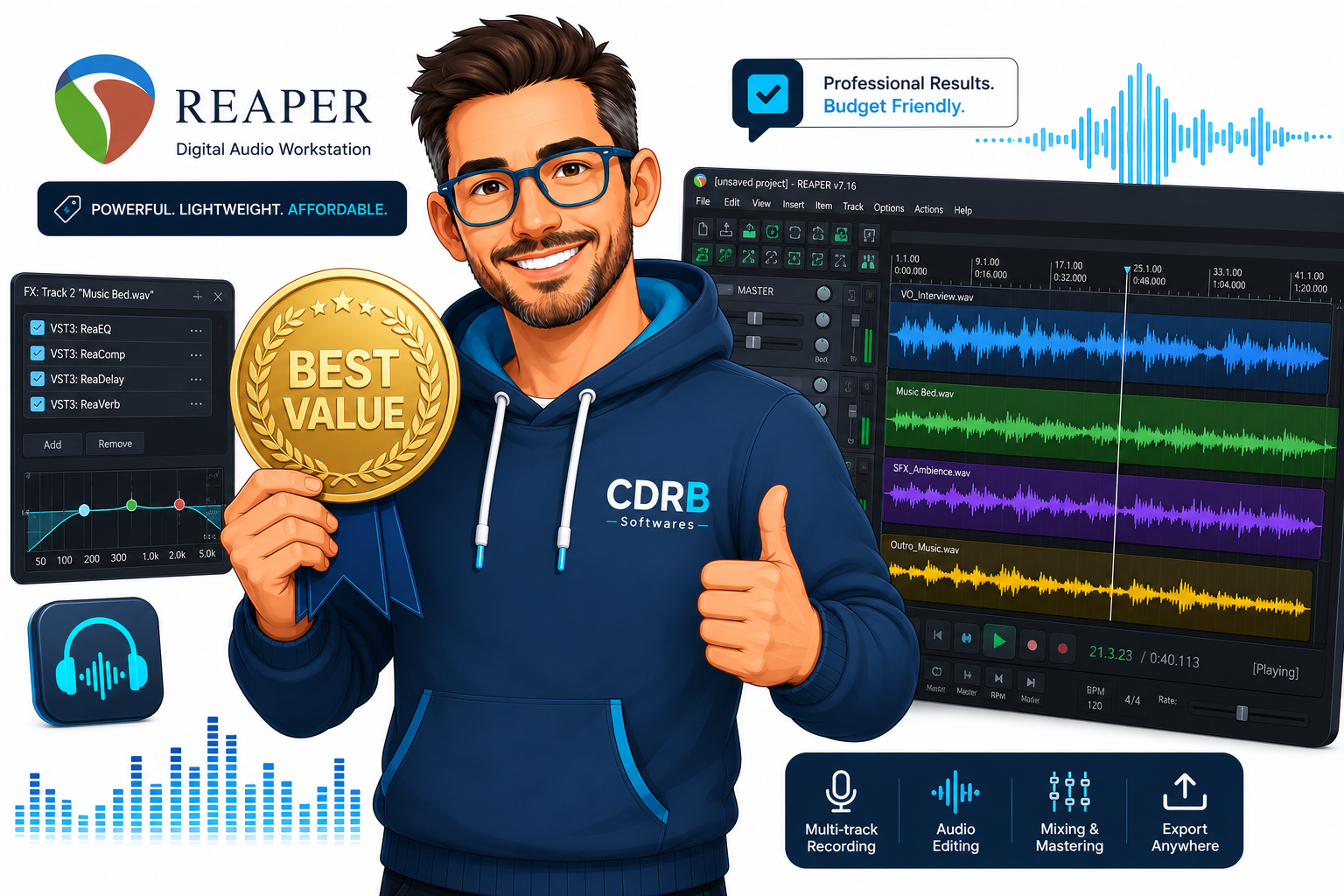
REAPER is a full digital audio workstation for Mac that provides powerful recording, editing, processing, and mastering tools. It launches in seconds and uses minimal CPU resources.
✓ Pros
- ✓ Ultra-lightweight and fast
- ✓ Highly customizable interface
- ✓ Professional-grade features
- ✓ Excellent lifetime value
✕ Cons
- ✕ Interface can feel overwhelming initially
- ✕ Steeper learning curve for beginners
3. Logic Pro
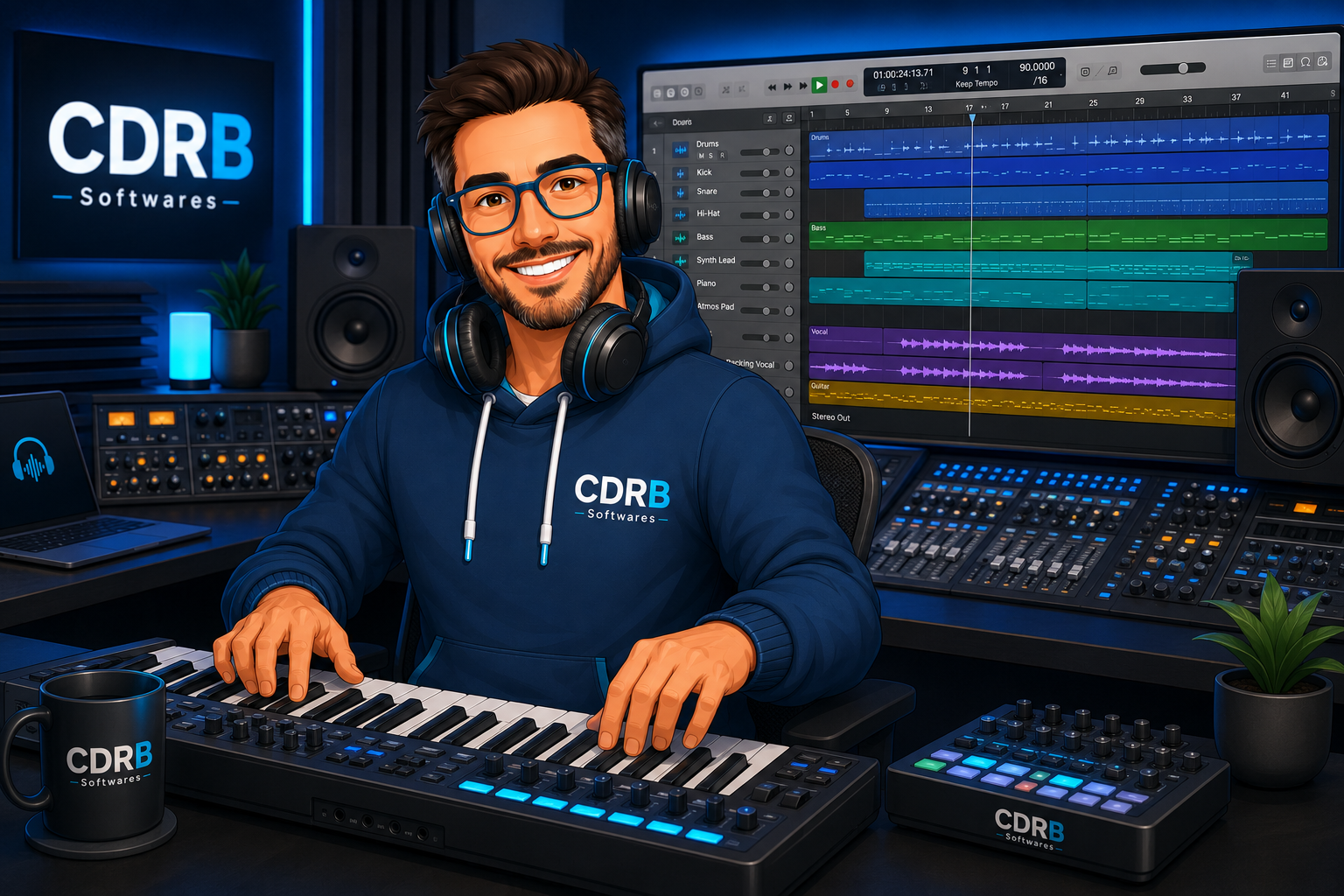
Apple's flagship Logic Pro is a complete professional studio suite for Mac. It builds upon GarageBand's ease of use while adding spatial audio mixing, Flex Time editing, and extensive virtual instruments.
✓ Pros
- ✓ Complete studio production tools
- ✓ Massive instrument & effect library
- ✓ Advanced surround & spatial mixing
- ✓ Native optimization for M1/M2/M3 Macs
✕ Cons
- ✕ Higher upfront cost than budget options
- ✕ Overkill for simple voice or podcast edits
4. Audacity
Audacity is an open-source, multi-track audio editor that has been a staple for Mac users for over two decades. It excels at quick voice recordings, trimming clips, and noise reduction.
✓ Pros
- ✓ 100% Free and open-source
- ✓ Rich plugin support (VST, AU)
- ✓ Cross-platform compatibility
✕ Cons
- ✕ Outdated UI design
- ✕ Destructive editing workflow
5. Ocenaudio
Ocenaudio is an easy-to-use, fast, and functional audio editor for Mac. It is designed for people who need to edit and analyze audio files without complicated multi-track setups.
✓ Pros
- ✓ Clean, modern interface
- ✓ Real-time effects preview
- ✓ Fast background processing
✕ Cons
- ✕ Limited multi-track capabilities
- ✕ Basic feature set compared to DAWs
6. Adobe Audition
Adobe Audition is a professional audio workstation designed for video post-production, podcasting, and audio restoration. Its Spectral Display tools make removing background noise seamless.
✓ Pros
- ✓ Industry-standard audio restoration
- ✓ Seamless Premiere Pro integration
- ✓ Powerful multi-track editing
✕ Cons
- ✕ Expensive recurring monthly fees
- ✕ Requires Adobe Creative Cloud account
7. WavePad
WavePad by NCH Software is a full-featured audio and music editor for Mac. It allows you to record and edit voice, music, and other audio tracks with standard copy, paste, and cut commands.
✓ Pros
- ✓ Easy to learn for beginners
- ✓ Wide file format support
- ✓ Useful batch processing tools
✕ Cons
- ✕ Free version has pop-ups
- ✕ Less scalable than DAWs
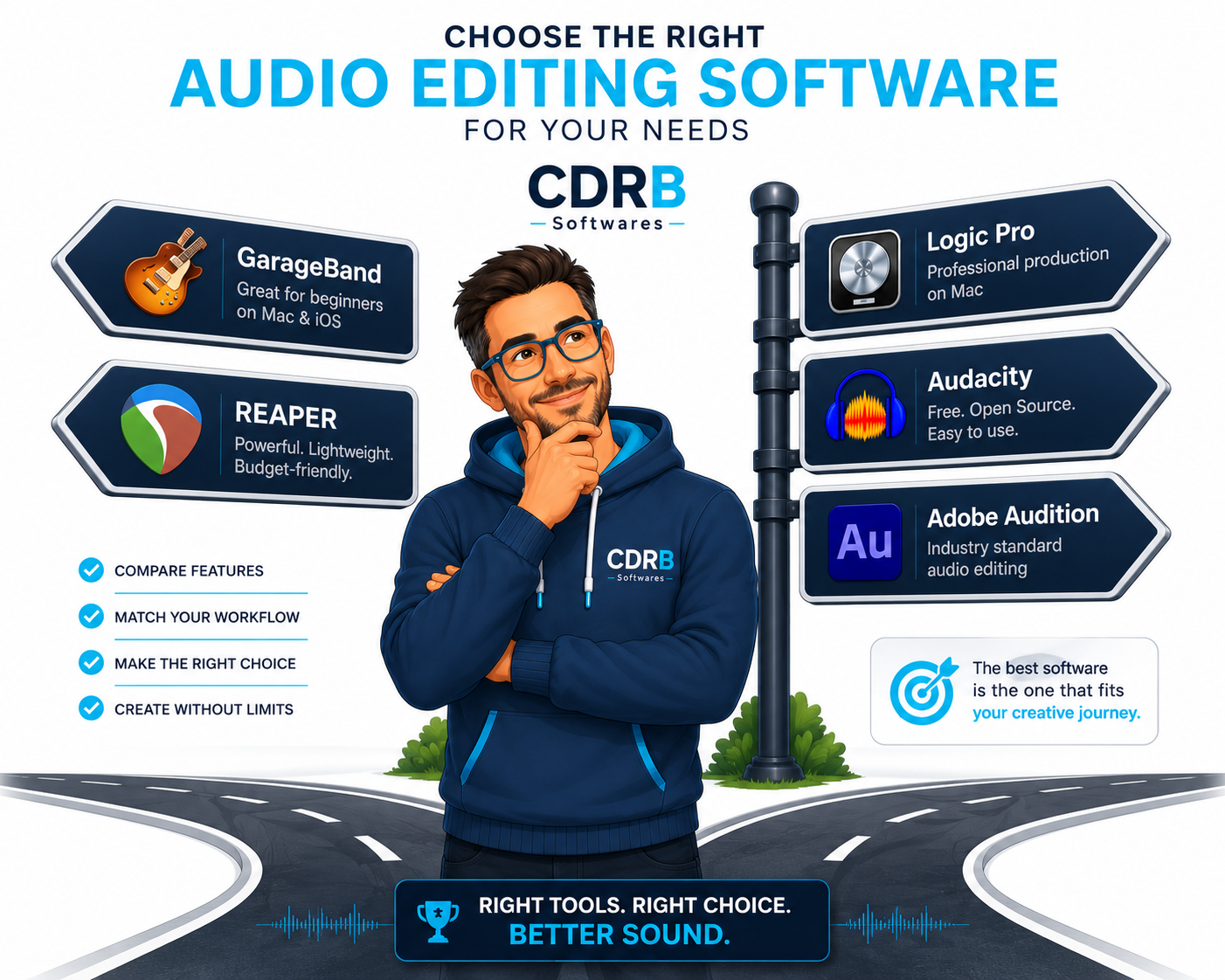
3. Which Audio Editing Software Should You Choose?
Choose GarageBand if:
You want a free solution, you're new to audio editing, and you want something ready to use on your Mac right out of the box.
Choose REAPER if:
You want professional studio features at a low one-time cost, edit audio regularly, and dislike monthly subscription models.
Choose Logic Pro if:
You produce music, compose tracks, and need advanced virtual instruments and spatial mixing tools optimized for macOS.
Choose Audacity if:
You need a free open-source editor for straightforward voice recordings and basic clip trimming.
Choose Adobe Audition if:
You work professionally with video post-production daily and already pay for an Adobe Creative Cloud subscription.
4. Best Category Picks
- 🥇 Best Free Audio Editing Software for Mac: GarageBand
- 💰 Best Budget Audio Editing Software for Mac: REAPER
- 🎵 Best Audio Editing Software for Music Production: Logic Pro
- 🎙️ Best Professional Audio Editing Software: Adobe Audition
- ⚡ Best Simple Audio Editor: Ocenaudio
5. Frequently Asked Questions (FAQ)
What is the best free audio editing software for Mac?
GarageBand is the best free choice for most Mac users. It comes pre-installed on macOS and offers more built-in features than most free third-party alternatives.
Is REAPER worth buying?
Yes. REAPER is widely considered one of the best-value audio editing applications available because it offers professional tools at a much lower one-time cost than subscription competitors.
Is Logic Pro only for music producers?
No. Logic Pro can also handle podcast editing, voice recordings, and audio post-production, but it is primarily designed for music creation and studio mixing.
Is Audacity available for Mac?
Yes. Audacity supports macOS and remains one of the most popular open-source free audio editors available.
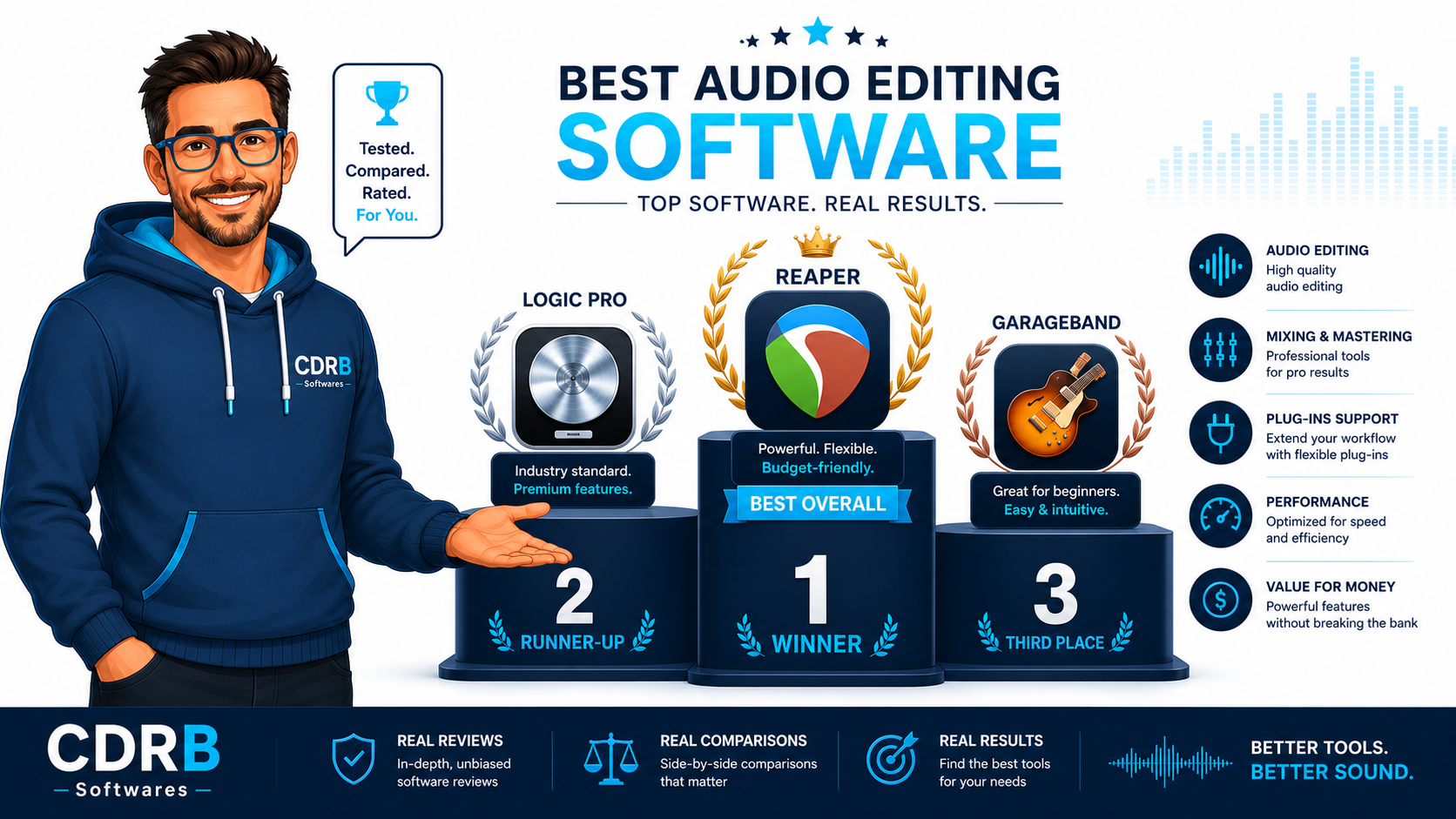
6. Final Verdict
Most Mac users should start with GarageBand because it's free and surprisingly capable. If you need more advanced tools without spending a fortune, REAPER offers the best balance of features and affordability. For serious music production, Logic Pro remains one of the strongest audio creation tools available for Mac.