
Best Audio Editing Software for Mac Free & Budget Picks in 2026
-
Written By:
Michael Wilson -
Last Updated On:
June 15, 2026 -
Reading Time:
4 Min.
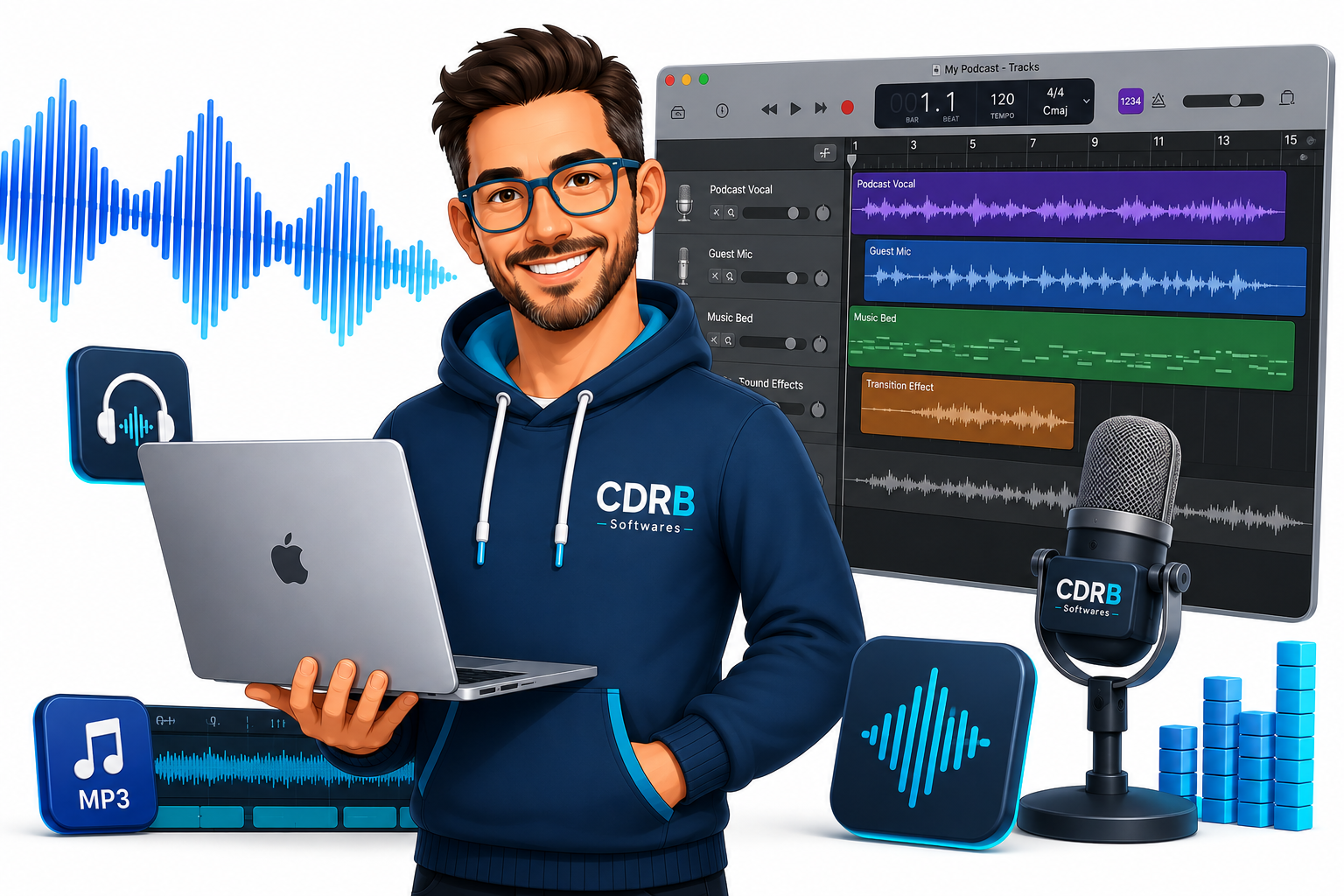
While there are hundreds of Mac software applications for creators, only a handful provide the audio editing features most users actually need. If you want a quick recommendation, start with GarageBand if you're a beginner, choose REAPER if you want professional features without a high price tag, and go with Logic Pro if you're serious about music production.
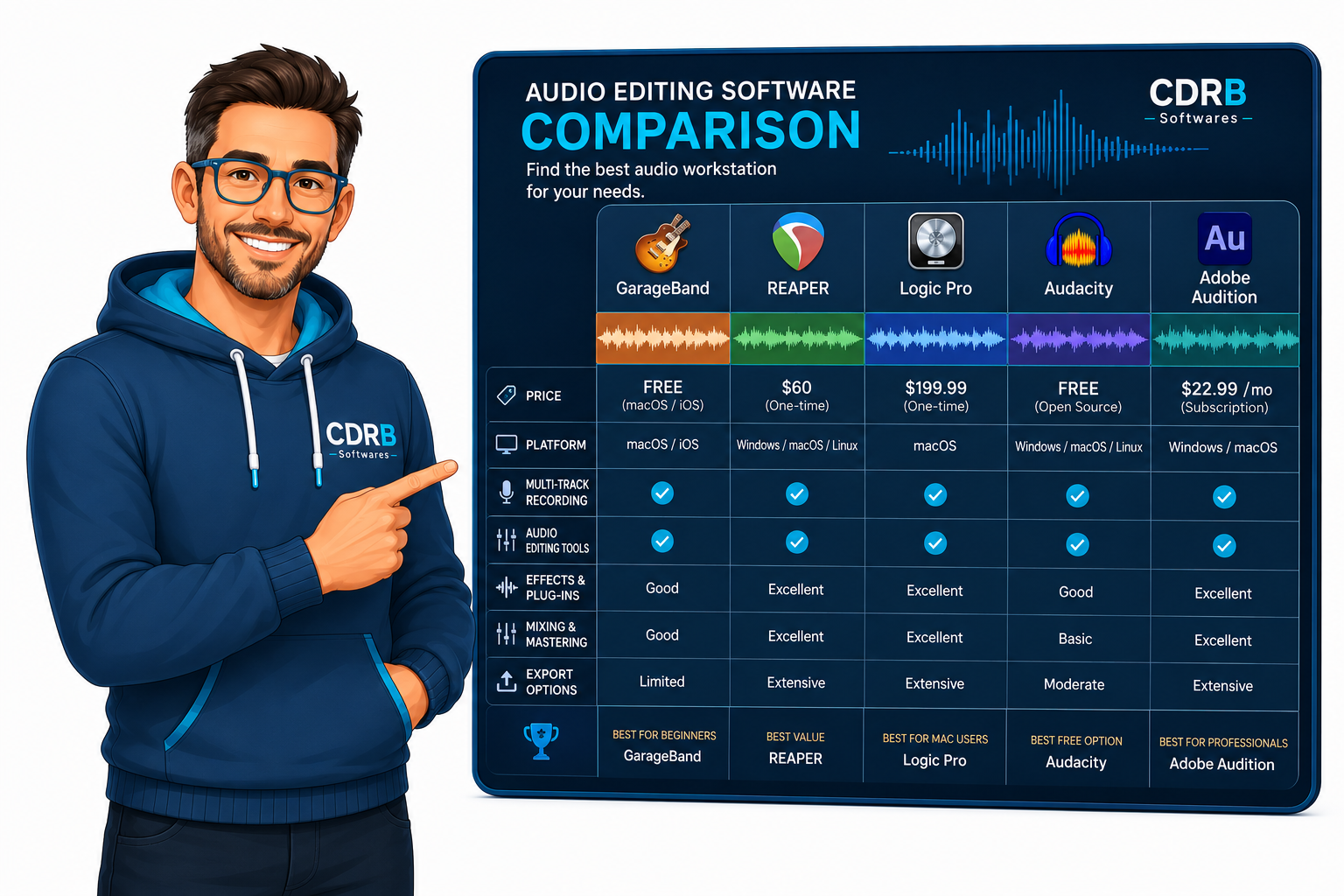
Quick Comparison
| Software | Best For | Price | Verdict |
|---|---|---|---|
| GarageBand | Beginners | Free | Best free option |
| Cockos REAPER v7 | Advanced users on a budget | Low-cost license | Best value |
| Logic Pro | Music production | One-time purchase | Best for creators |
| Audacity | Simple editing | Free | Best open-source choice |
| Ocenaudio | Quick edits | Free | Easiest to use |
| Adobe Audition | Professional audio work | Subscription | Best for professionals |
| WavePad | Casual users | Free/Paid | Good starter option |
1. GarageBand
Price
Free on Mac.
Best For
- Beginners
- Podcasters
- Hobby musicians
- Students
Pros
- Completely free
- Simple interface
- Multi-track recording
- Large sound library
Cons
- Limited advanced editing features
- Not ideal for professional post-production
Verdict
GarageBand is the easiest way to start editing audio on a Mac. Most casual users never outgrow it.
2. REAPER
Price
Affordable one-time license.
Best For
- Content creators
- Freelancers
- Musicians
- Budget-conscious professionals
Pros
- Lightweight and fast
- Highly customizable
- Professional-grade features
- Excellent value
Cons
- Interface can feel overwhelming initially
- Learning curve for beginners
Verdict
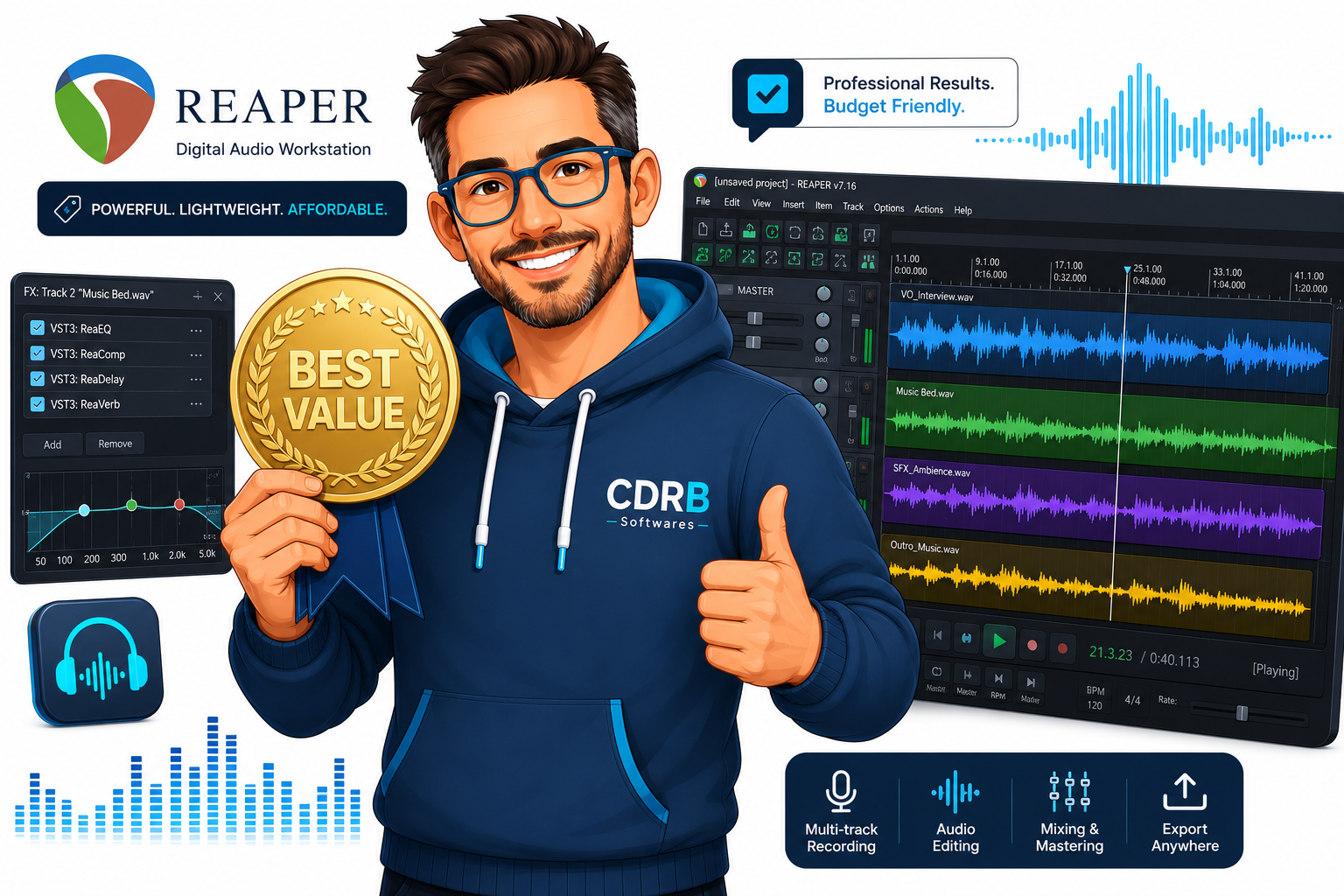
REAPER offers some of the best value in audio software. You get professional features without paying premium subscription fees.
3. Logic Pro
Price
One-time purchase.
Best For
- Music producers
- Songwriters
- Recording artists
Pros
- Professional production tools
- Massive instrument library
- Advanced mixing features
- Optimized for macOS
Cons
- More expensive than budget options
- Overkill for simple audio editing
Verdict
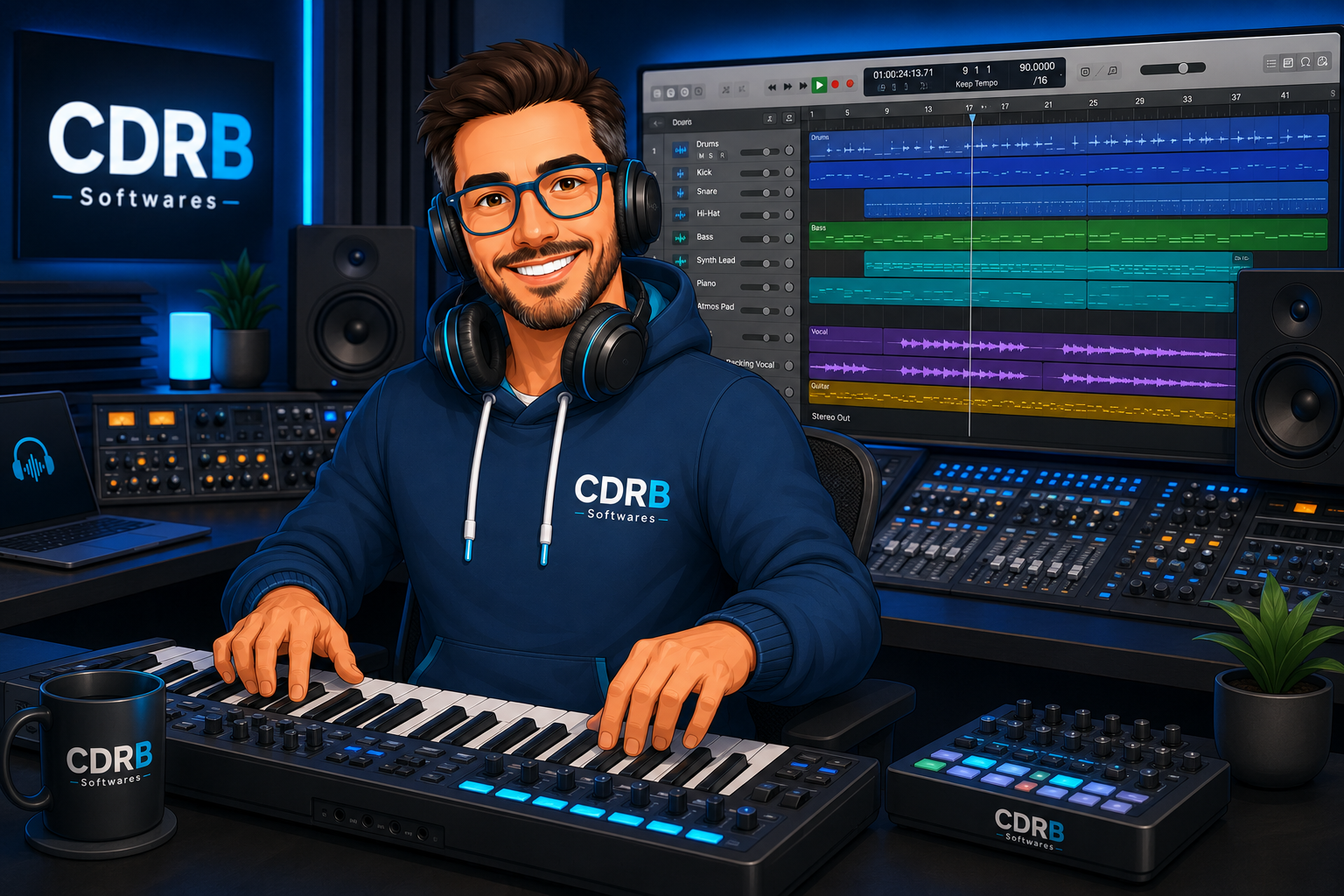
If music production is your primary goal, Logic Pro remains one of the strongest Mac software investments available.
4. Audacity
Price
Free.
Best For
- Voice recordings
- Basic audio editing
- Budget users
Pros
- Completely free
- Open source
- Supports plugins
- Cross-platform
Cons
- Outdated interface
- Limited workflow compared to premium tools
Verdict
Audacity remains one of the best free audio editing software options for Mac users who need straightforward editing tools.
5. Ocenaudio
Price
Free.
Best For
- Quick edits
- Beginners
- Simple audio projects
Pros
- Very easy to use
- Fast performance
- Real-time effects preview
Cons
- Fewer advanced features
- Limited professional workflow tools
Verdict
If Audacity feels too complicated, Ocenaudio is an excellent alternative.
6. Adobe Audition
Price
Monthly subscription.
Best For
- Professional editors
- Agencies
- Production teams
Pros
- Industry-standard tools
- Advanced restoration features
- Excellent Adobe integration
Cons
- Expensive over time
- Subscription required
Verdict
Adobe Audition is powerful, but many Mac users can achieve similar results with cheaper alternatives like REAPER.
7. WavePad
Price
Free and paid versions available.
Best For
- Casual editing
- Home users
- Beginners
Pros
- Easy to learn
- Wide format support
- Useful editing tools
Cons
- Less powerful than REAPER or Logic Pro
- Limited scalability
Verdict
WavePad is a solid entry-level audio editor for users who want something simple.
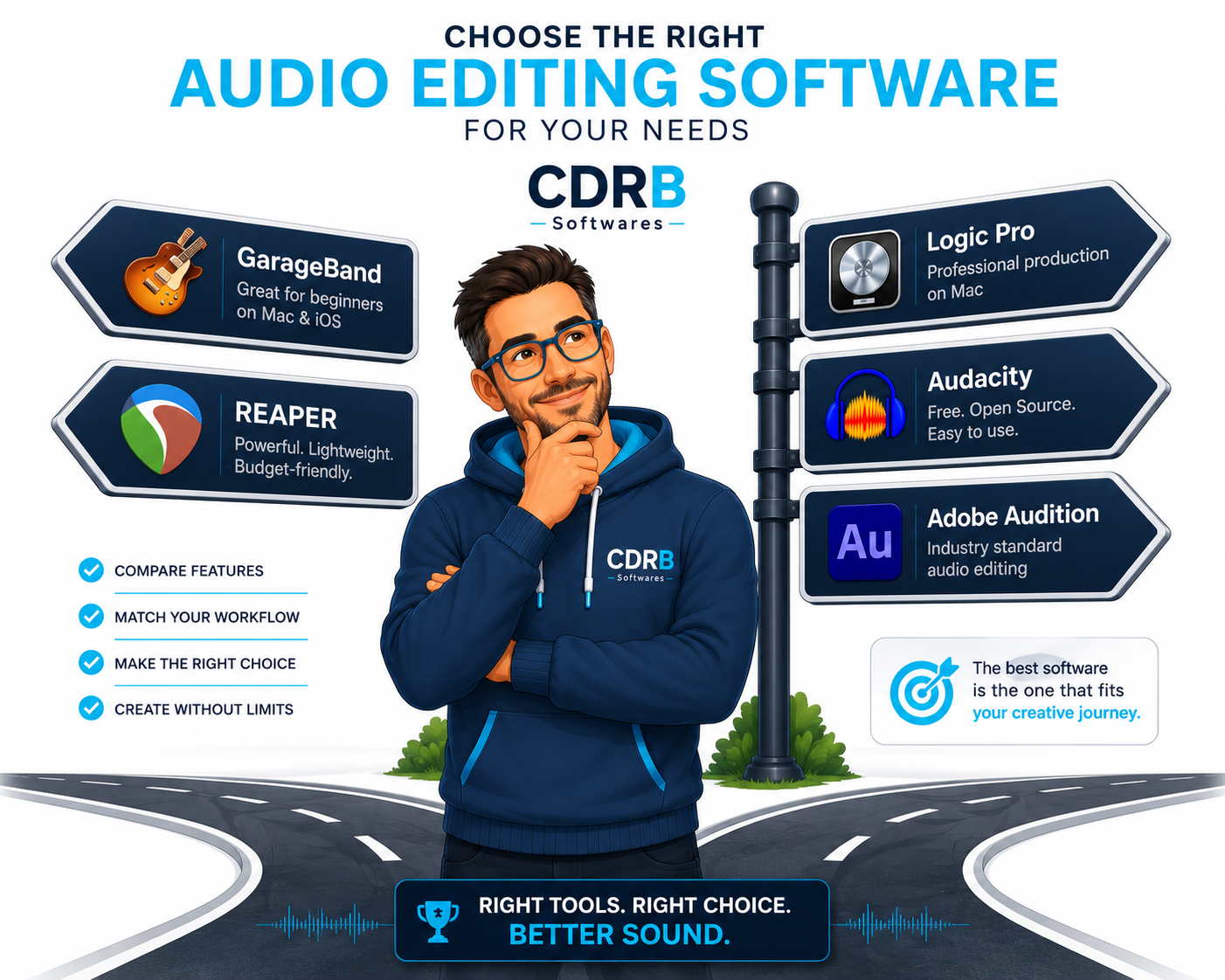
Which Audio Editing Software Should You Choose?
Choose GarageBand if:
- You want a free solution.
- You're new to audio editing.
- You own a Mac and want something ready to use.
Choose REAPER if:
- You want professional features at a lower cost.
- You edit audio regularly.
- You dislike subscriptions.
Choose Logic Pro if:
- You produce music.
- You need advanced instruments and production tools.
Choose Audacity if:
- You need a free open-source editor.
- Your editing needs are basic.
Choose Adobe Audition if:
- You work professionally with audio every day.
- You already use Adobe Creative Cloud.
Best Picks
- Best Free Audio Editing Software for Mac: GarageBand
- Best Budget Audio Editing Software for Mac: REAPER
- Best Audio Editing Software for Music Production: Logic Pro
- Best Professional Audio Editing Software: Adobe Audition
- Best Simple Audio Editor: Ocenaudio
FAQ
What is the best free audio editing software for Mac?
GarageBand is the best free choice for most Mac users. It comes pre-installed on many Macs and offers more features than most free alternatives.
Is REAPER worth buying?
Yes. REAPER is widely considered one of the best-value audio editing applications available because it offers professional tools at a much lower cost than many competitors.
Is Logic Pro only for music producers?
No. Logic Pro can also handle podcast editing, voice recordings, and audio post-production, but it is primarily designed for music creation.
Is Audacity available for Mac?
Yes. Audacity supports macOS and remains one of the most popular free audio editors.
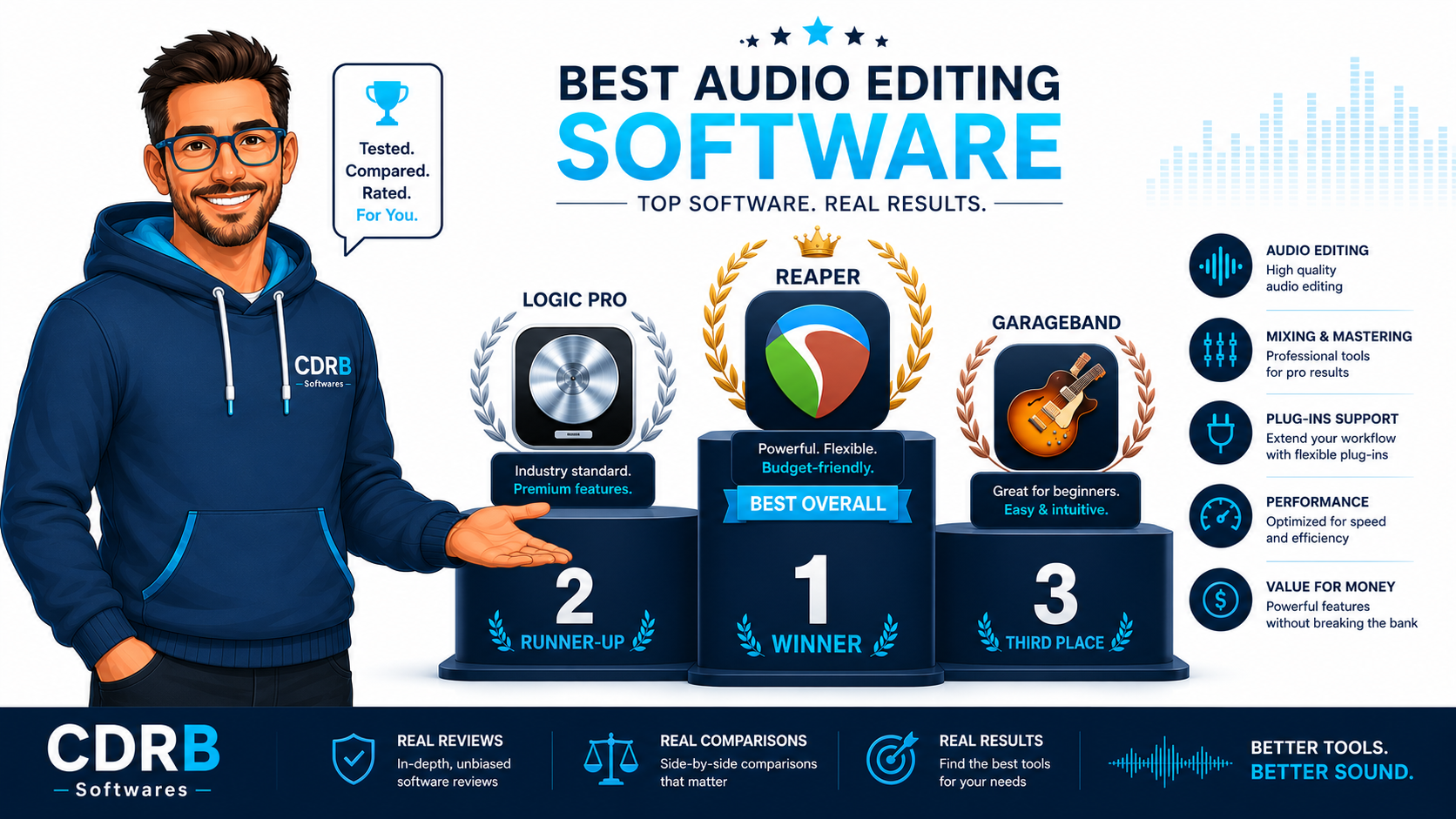
Final Verdict
Most Mac users should start with GarageBand because it's free and surprisingly capable. If you need more advanced tools without spending a fortune, REAPER offers the best balance of features and affordability. For serious music production, Logic Pro remains one of the strongest audio creation tools available for Mac.


